
Popis
Bsaeed Family Tree Builder is an all-in-one WordPress plugin for building a family tree website with membership and subscription support — everything you need in one plugin, with no locked or paywalled features.
🌳 Family Tree Builder
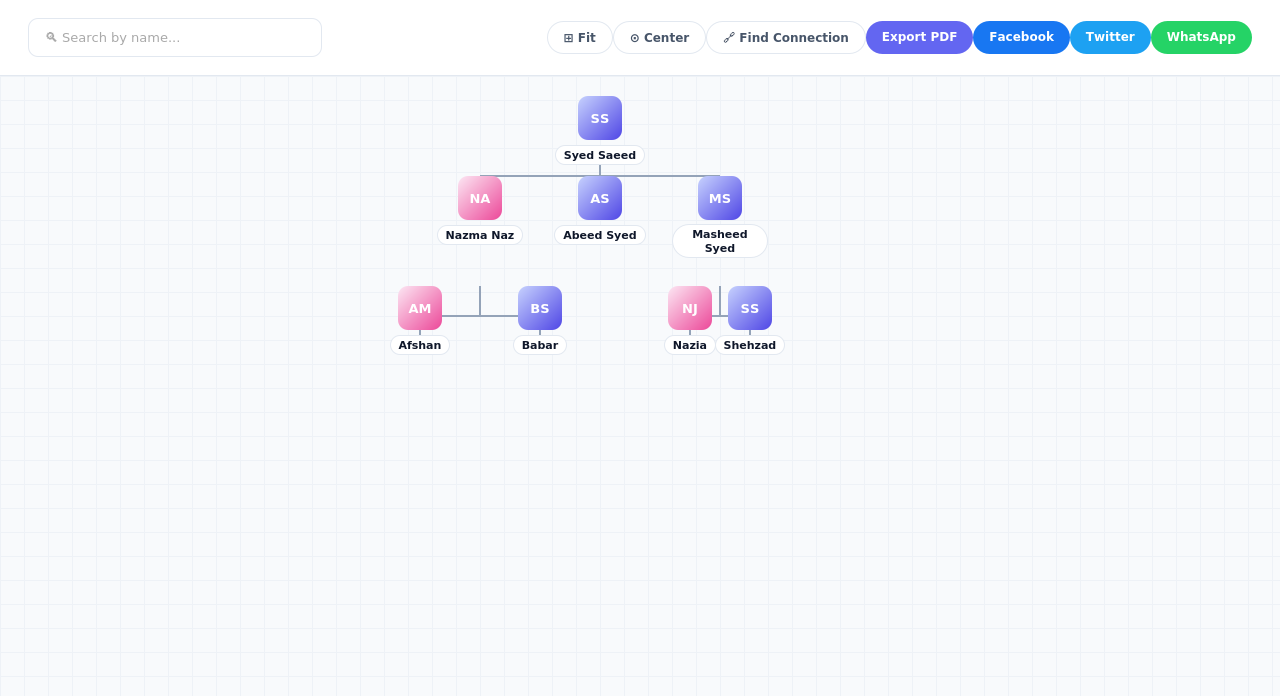
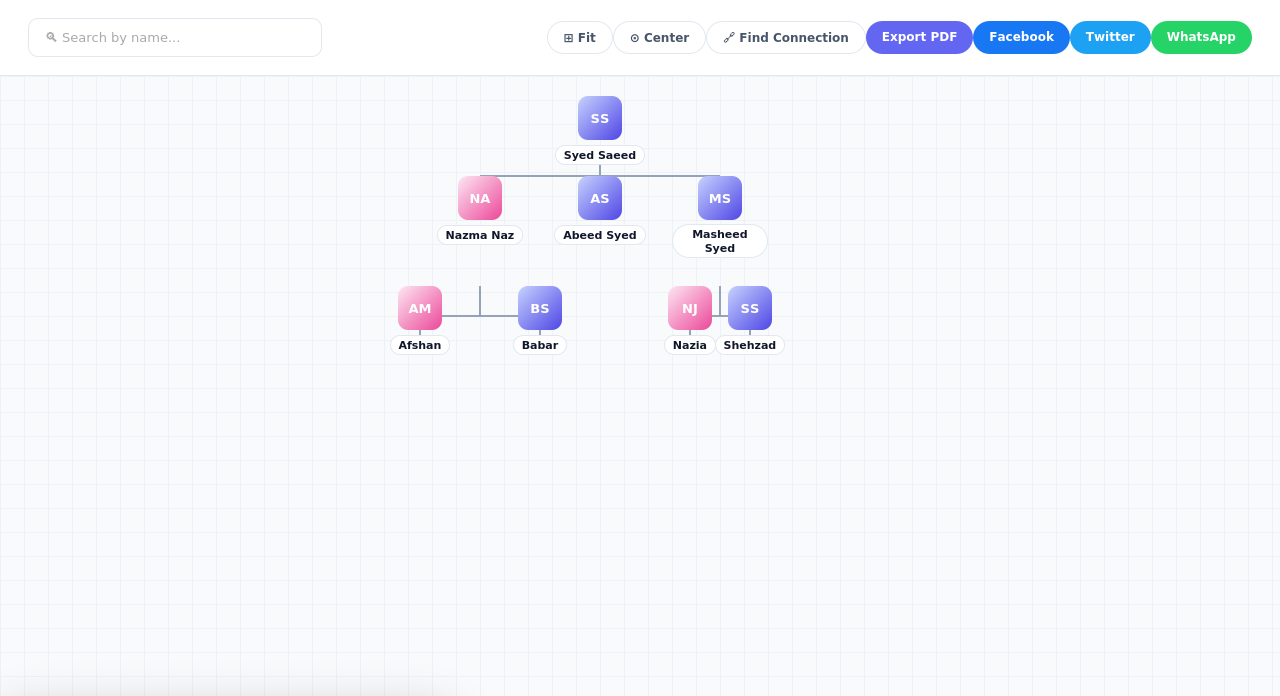
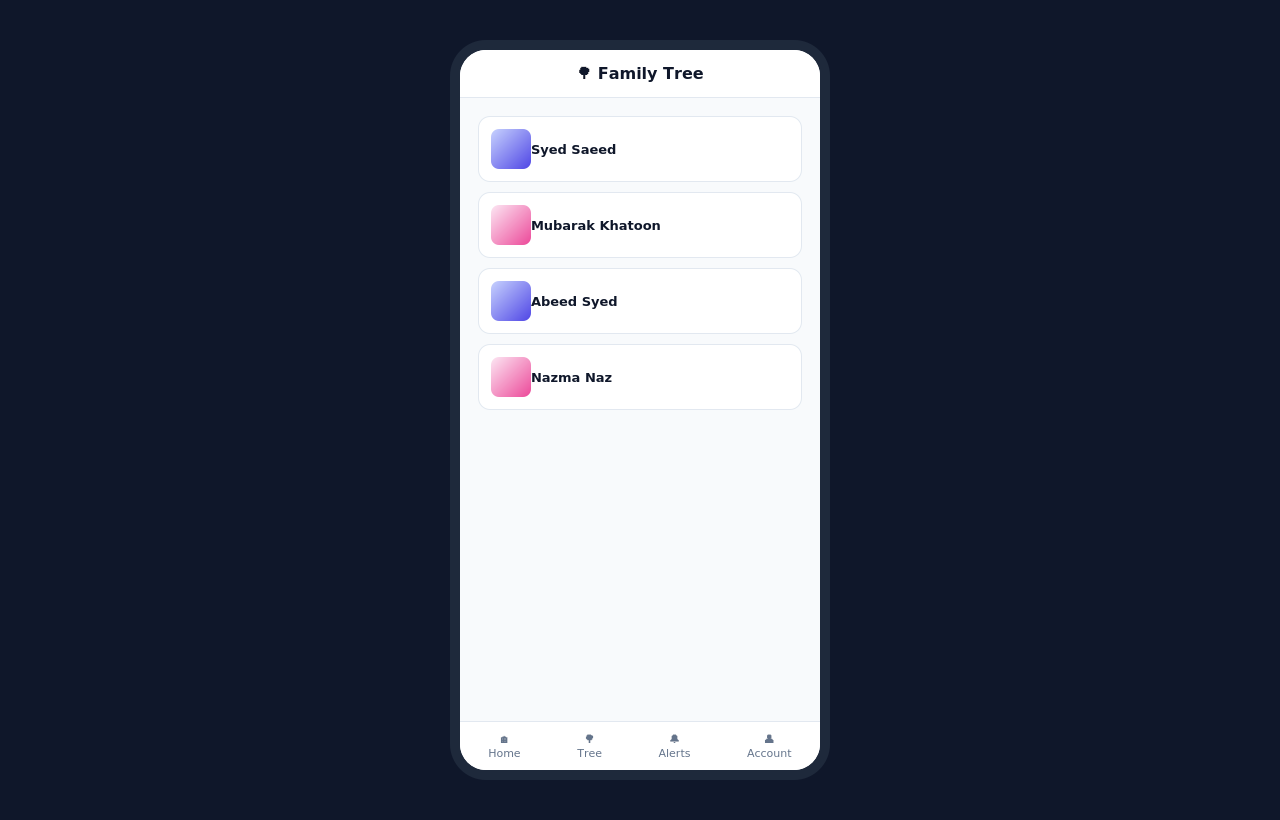
- Interactive, zoomable family tree — search by name, expand/collapse branches, fit-to-screen and center controls
- Add photos for each family member, with automatic initials shown when no photo is set
- Couples are shown clearly grouped together, visually distinct from other relatives
- Personal photo albums for each family member
- Social media links (Facebook, Instagram, Twitter, WhatsApp, LinkedIn, YouTube) on individual profiles
- Find Connection — instantly discover and visually highlight how any two family members are related, however distant
- Support for multiple family trees on one site, each independently configurable
- Set each tree’s visibility to Public, Members-Only, or Password-Protected
- Export any tree to PDF, or share it directly to Facebook, Twitter, or WhatsApp
👤 User Accounts & Membership
- Flexible registration: open sign-up, email verification, or admin-approval — your choice
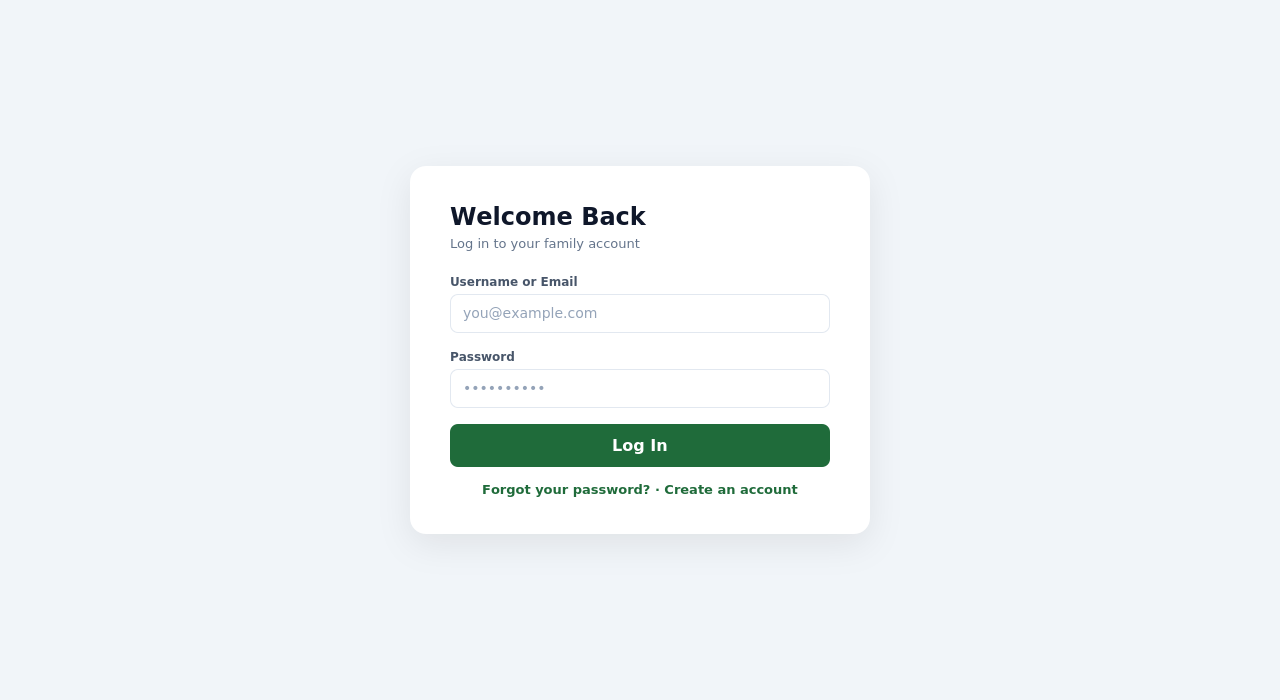
- Full login, logout, forgot-password, and reset-password flows built in
- Role-based access control (Member, Moderator, Administrator)
- Link a user account to their specific person in the family tree
💳 Subscriptions (Optional)
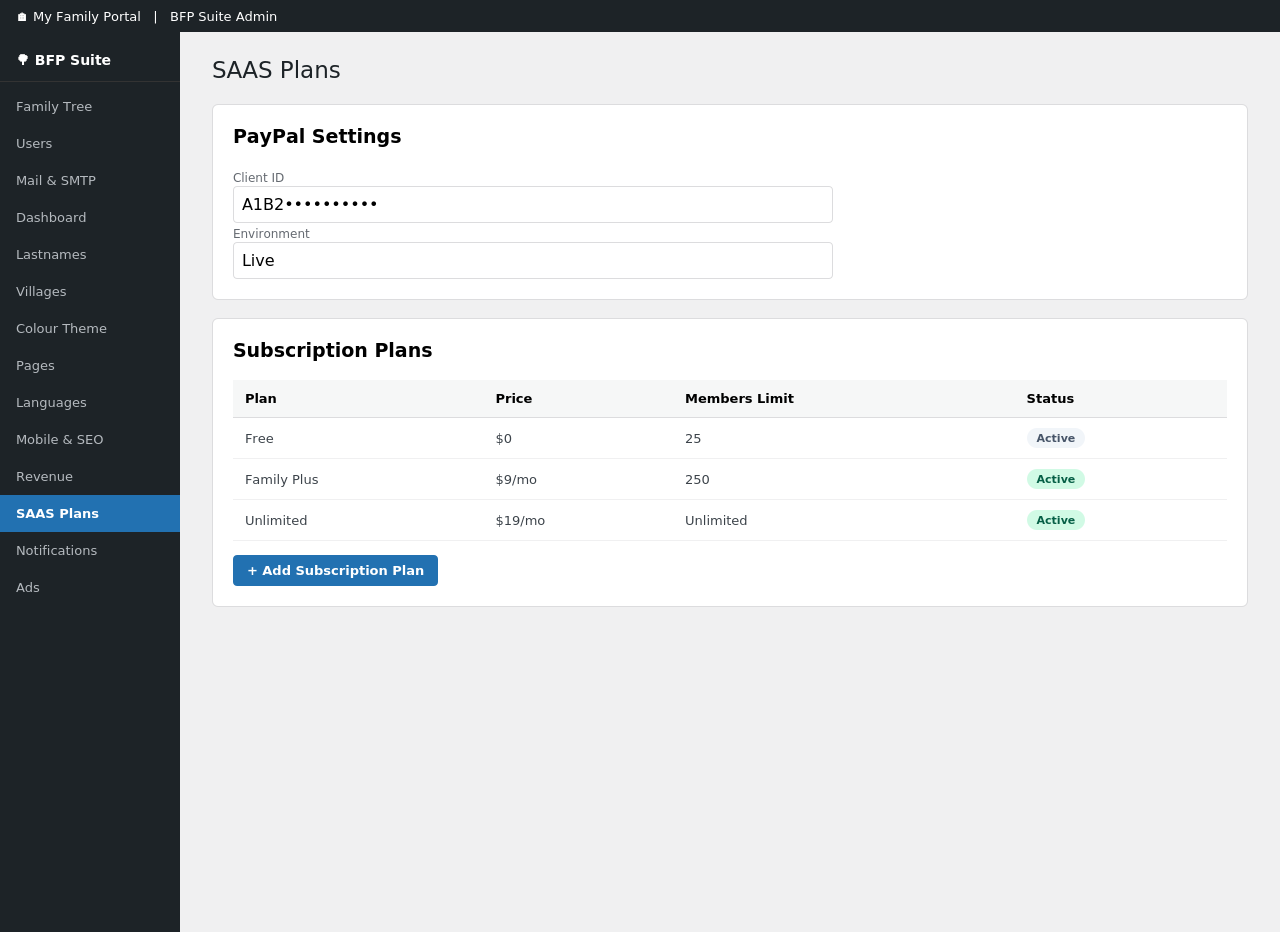
- PayPal-powered recurring subscriptions, entirely optional — the plugin works fully without it
- Unlimited custom subscription tiers with your own pricing
- Self-service „My Account“ page where subscribers manage their plan and billing
- Subscription status syncs automatically via PayPal webhooks
📊 Admin Dashboard
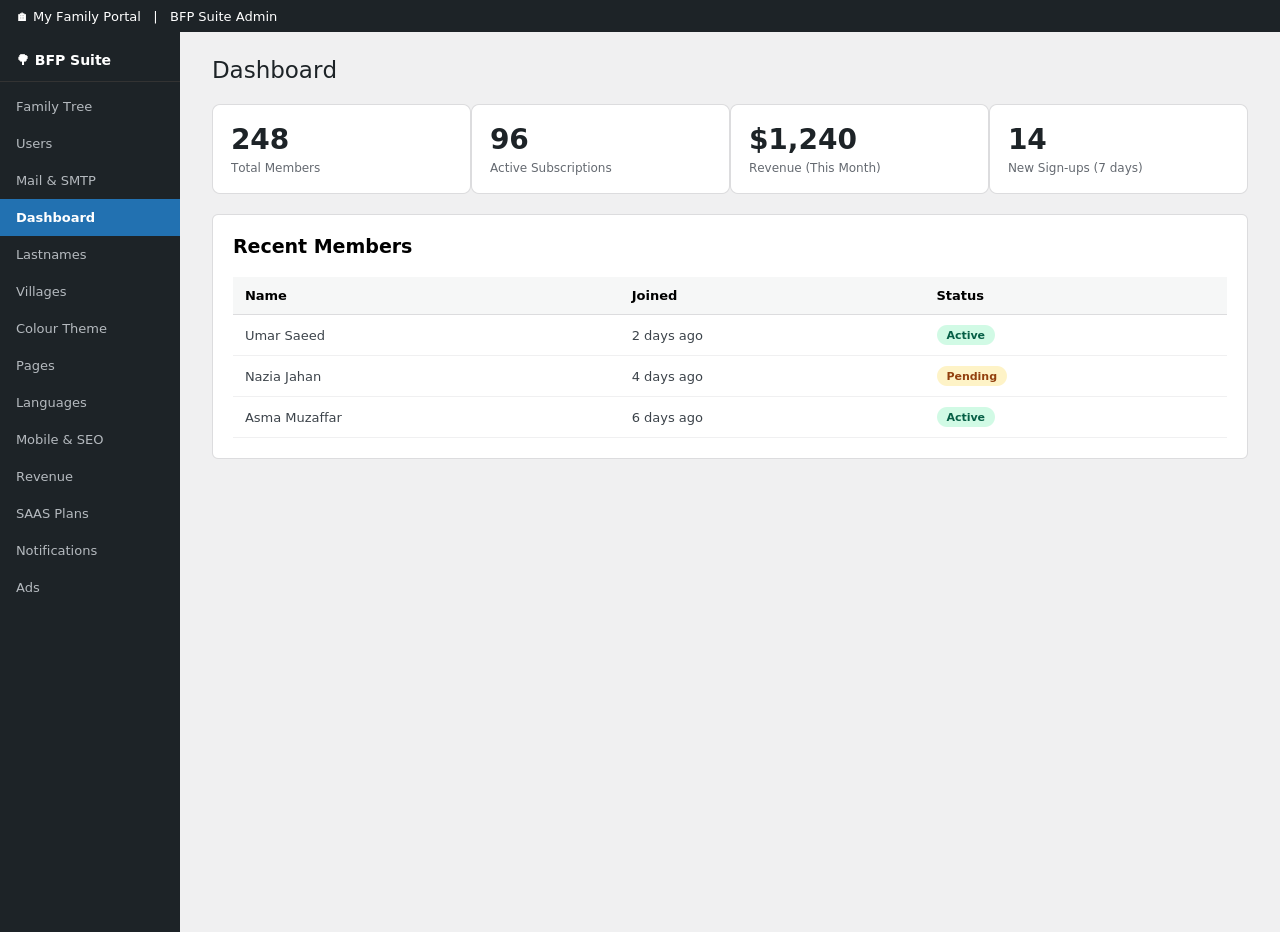
- At-a-glance stats on membership and subscriptions
- Manage a site-wide list of family surnames and villages/locations
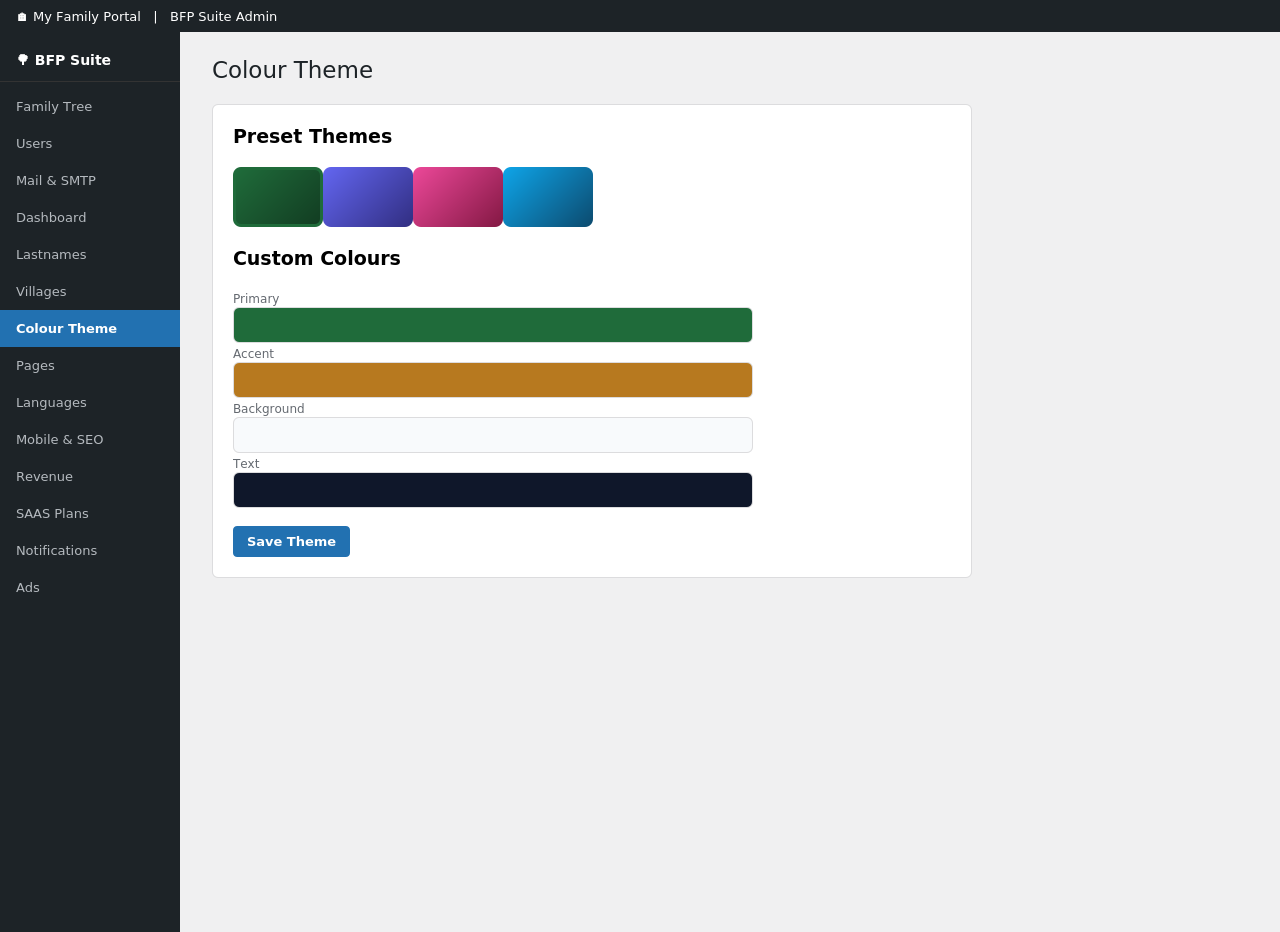
- Custom colour theme picker — restyle the tree and member pages to match your brand in a few clicks
- Automatic page setup for login, registration, password reset, and account pages
🌐 Multi-language Support
- Enable and edit translations directly from wp-admin, no separate translation plugin required
- Right-to-left (RTL) language support built in
🔔 Notifications
- In-app notification bell with unread-count badge for logged-in members
📱 Built for Every Device
- Fully responsive design — the tree, forms, and admin pages all work smoothly on phones and tablets
Every feature listed above is fully available to all users; this plugin does not lock or limit its own built-in functionality behind a subscription tier.
Shortcodes
[bsaeed_family_tree_canvas tree_id="1"]— render the family tree canvas[bsaeed_subscribe plan="basic" price="$9/mo" description="..."]— plan card with a Subscribe button[bsaeed_my_account]— subscriber dashboard (plan, status, next billing, cancel)[bsaeed_register]— registration form[bsaeed_login]— login form[bsaeed_forgot]— forgot-password form[bsaeed_reset]— password-reset form (linked from email)[bsaeed_person_album person_id="5" tree_id="1"]— photo album for a person[bsaeed_notifications]— bell icon with notification dropdown for logged-in users[bsaeed_lang_switcher]— language switcher
External services
This plugin connects to PayPal to process subscription payments. It is only used if you configure PayPal billing under Bsaeed Family Tree Builder SAAS Plans; the family tree and user-account features work without it.
What is sent and when:
- When you configure a plan, the plugin requests an OAuth access token from PayPal using the Client ID and Secret you provide.
- When a visitor subscribes, the plugin creates a PayPal billing subscription and sends the selected plan ID.
- PayPal sends subscription status updates (activated, renewed, cancelled, etc.) to this plugin’s webhook endpoint, which the plugin verifies and stores against the relevant user account.
- No family tree data, member details, or photos are sent to PayPal — only subscription/billing information (plan ID, subscription ID, and billing status).
This service is provided by PayPal: Terms of Service and Privacy Policy.
Obrázky
Inštalácia
- Upload the
bsaeed-family-tree-builderfolder to/wp-content/plugins/, or install the zip via Plugins Add New Upload Plugin. - Activate the plugin through the Plugins menu in WordPress.
- Go to Bsaeed Family Tree Builder in the admin menu to configure PayPal settings and subscription plans (optional — only needed if you plan to charge for access).
- Place the shortcodes above on the relevant pages (e.g. a page with slug
my-subscriptionfor[bsaeed_my_account]), or use Bsaeed Family Tree Builder Pages to have these pages created for you automatically.
Časté otázky
-
Does this require PayPal?
-
No. PayPal is only used if you choose to set up paid subscription billing. The family tree and user-account features work fully without it.
-
Where do I configure subscription plans?
-
Under Bsaeed Family Tree Builder SAAS Plans in wp-admin.
-
Does the free version limit how many family members, trees, or albums I can create?
-
No. Every feature is fully available regardless of subscription status.
-
Yes. Each tree can be set to Public, Members-Only, or Password-Protected under Tree Settings.
-
How do I add family members to the tree?
-
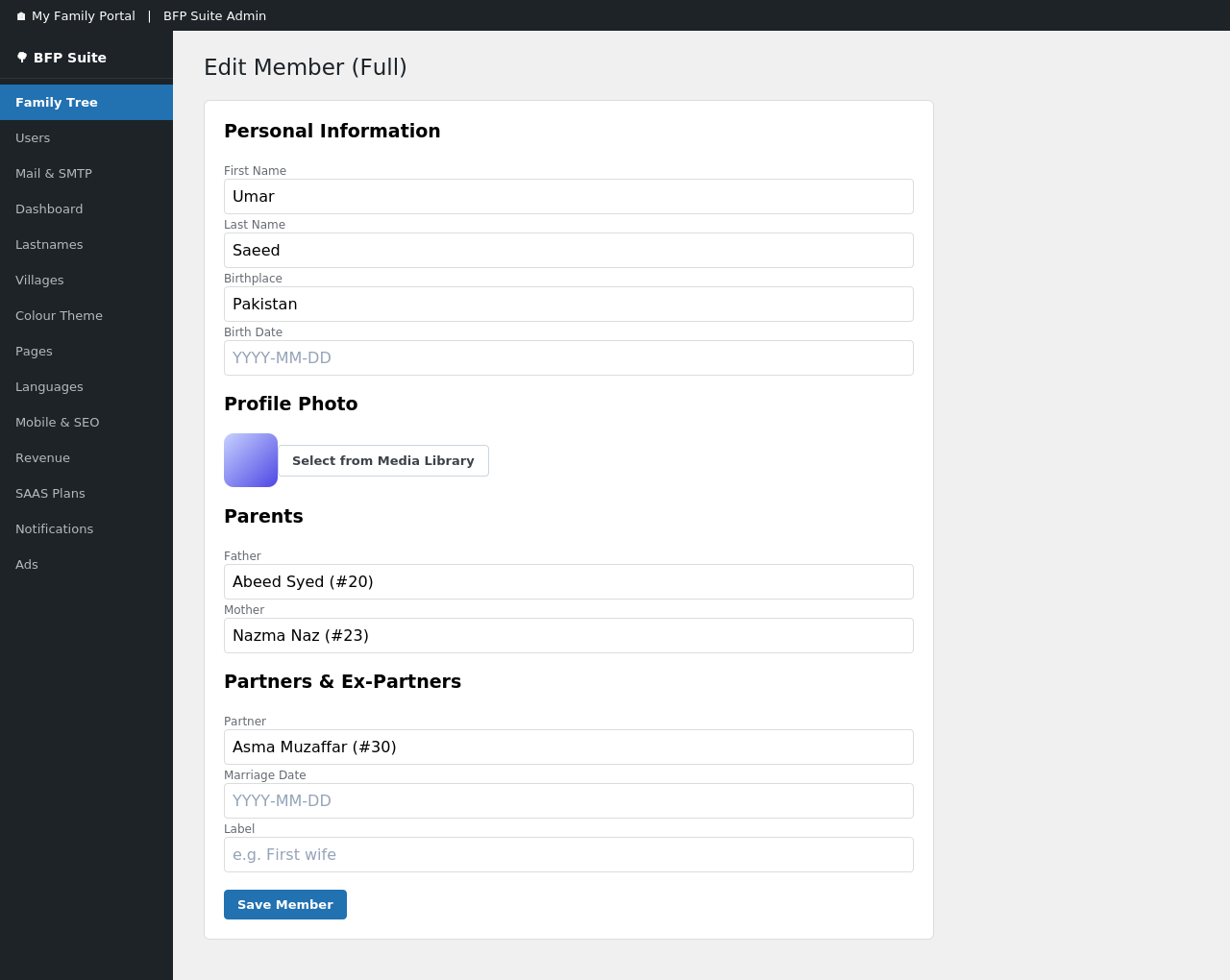
From wp-admin, go to Bsaeed Family Tree Builder Family Tree Add Member. You can set their name, photo, parents, and partners all from one screen.
-
Yes — the Find Connection tool lets you pick any two family members and shows the exact relationship path between them, highlighted directly on the tree.
-
Can members add their own photos?
-
Yes, each family member can have a photo album that logged-in members with edit access can upload to.
-
Does this plugin support languages other than English?
-
Yes. You can enable additional languages and edit translations directly from wp-admin — no separate translation plugin needed.
-
Can I control how new users sign up?
-
Yes — choose between open registration, email verification, or requiring admin approval for every new member.
-
Will the family tree look good on mobile?
-
Yes, the tree canvas and all front-end pages are fully responsive.
-
What happens if a subscriber cancels their PayPal subscription?
-
Their status updates automatically via PayPal’s webhook notifications — no manual action needed on your part.
-
Can I change the colours to match my site’s branding?
-
Yes, under Colour Theme in wp-admin — changes apply immediately across the tree and member-facing pages.
-
Can I run more than one family tree on the same site?
-
Yes, the plugin supports multiple trees, each with its own visibility settings and members.
Recenzie
Pre tento plugin nie sú žiadne recenzie.
Prispievatelia a vývojári
“Bsaeed Family Tree Builder” je softvér s otvoreným zdrojovým kódom. Do tohto pluginu prispeli nasledujúci ľudia.
Prispievatelia
Preložiť „Bsaeed Family Tree Builder“ do vašho jazyka.
Máte záujem o vývoj?
Prehľadávajte zdrojový kód, preskúmajte SVN repozitár, alebo sa prihláste na odber vývojárskeho logu cez RSS.
Zoznam zmien
6.0.1
- Security: closed a gap where a crafted link could display a fake „user approved/rejected“ confirmation on the Users page; the flash message now requires a valid nonce tied to the real action.
- Security: sanitized the raw PayPal webhook payload before it is logged, even when signature verification fails.
- Security: hardened several password-type fields against being submitted as an array instead of a string.
- Security: fixed two DOM XSS issues where autocomplete results and notification content were inserted into the page without HTML-escaping.
- Security: removed a one-time legacy-data backfill query from two public, unauthenticated endpoints (it now runs once, correctly, at plugin activation instead) — this was reachable by anyone and could modify tree data site-wide.
- Audited every input-handling code path (AJAX handlers, form processors, admin pages) and every direct SQL query in the plugin for proper nonce/permission checks, sanitization, output escaping, and prepared statements.
6.0.0
- Renamed from „BFP Suite“ to „Bsaeed Family Tree Builder“ for a clearer, more distinctive plugin name.
- Fixed a subscription-hijacking risk: PayPal subscriptions are now bound to the initiating user via PayPal’s custom_id field, and verified on return before being associated with any account.
- Fixed private/password-protected trees being searchable and readable via two endpoints that did not check tree visibility.
- Added nonce verification to the language-switcher parameter, which previously updated user preferences via GET with no CSRF protection.
- Removed all subscription-tier limits on members, trees, and albums, and removed plan-based ad suppression — every feature is now fully available to all users.
- Replaced direct authentication-cookie parsing with WordPress’s session-token API for internal session handling.
- Sanitized the PayPal webhook payload before storage.
- Converted all inline
<style>/<script>output to properly registered/enqueued assets. - Updated bundled jsPDF (to 4.2.1) and GLightbox (to 3.3.1) libraries.
- Family Tree, PayPal Subscriptions, Users, Dashboard, i18n, SaaS & Notifications combined into a single suite.