
Popis
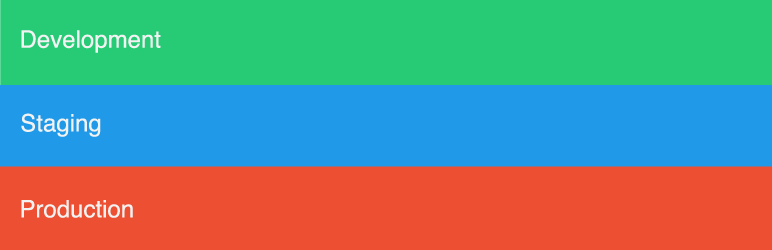
Env Bar is a great way to keep track of your server environment. On the Env Bar Settings page you can select Development, Staging, or Production to then output a colored bar in the bottom of your site.
Credits
Icon: Created by Aneeque Ahmed from the Noun Project
Obrázky


Inštalácia
- Upload the plugin files to the
/wp-content/plugins/env-bardirectory, or install the plugin through the WordPress plugins screen directly. - Activate the plugin through the ‚Plugins‘ screen in WordPress
- Use the Environment screen to configure the plugin
Časté otázky
- Can you use this plugin with Multisite?
-
Yes, this will add the bar globally and you can access the options page within the Network.
- Can you use this plugin as a mu-plugin?
-
Yes, just upload the env-bar.php to your /wp-content/mu-plugins/ directory.
Recenzie

26. decembra 2018
This plugin adds a great visual indication on what setup you are on. I have my live setup and dev setup. I can half look at the bottom of the page and know what environment I in. If I see green, I am free to do whatever I want without having to worry about breaking anything. Orange, and I need to switch tabs!
Prispievatelia a vývojári
“Env Bar” je softvér s otvoreným zdrojovým kódom. Do tohto pluginu prispeli nasledujúci ľudia.
Prispievatelia
Preložiť „Env Bar“ do vašho jazyka.
Máte záujem o vývoj?
Prehľadávajte zdrojový kód, preskúmajte SVN repozitár, alebo sa prihláste na odber vývojárskeho logu cez RSS.
Zoznam zmien
0.3.0
- tested with 5.0 release
0.2.1
- removing dev files from trunk and using git for development
0.2.0
- Fixed issues related to WordPress Coding Standards
0.1.0
- Initial commit