

Popis
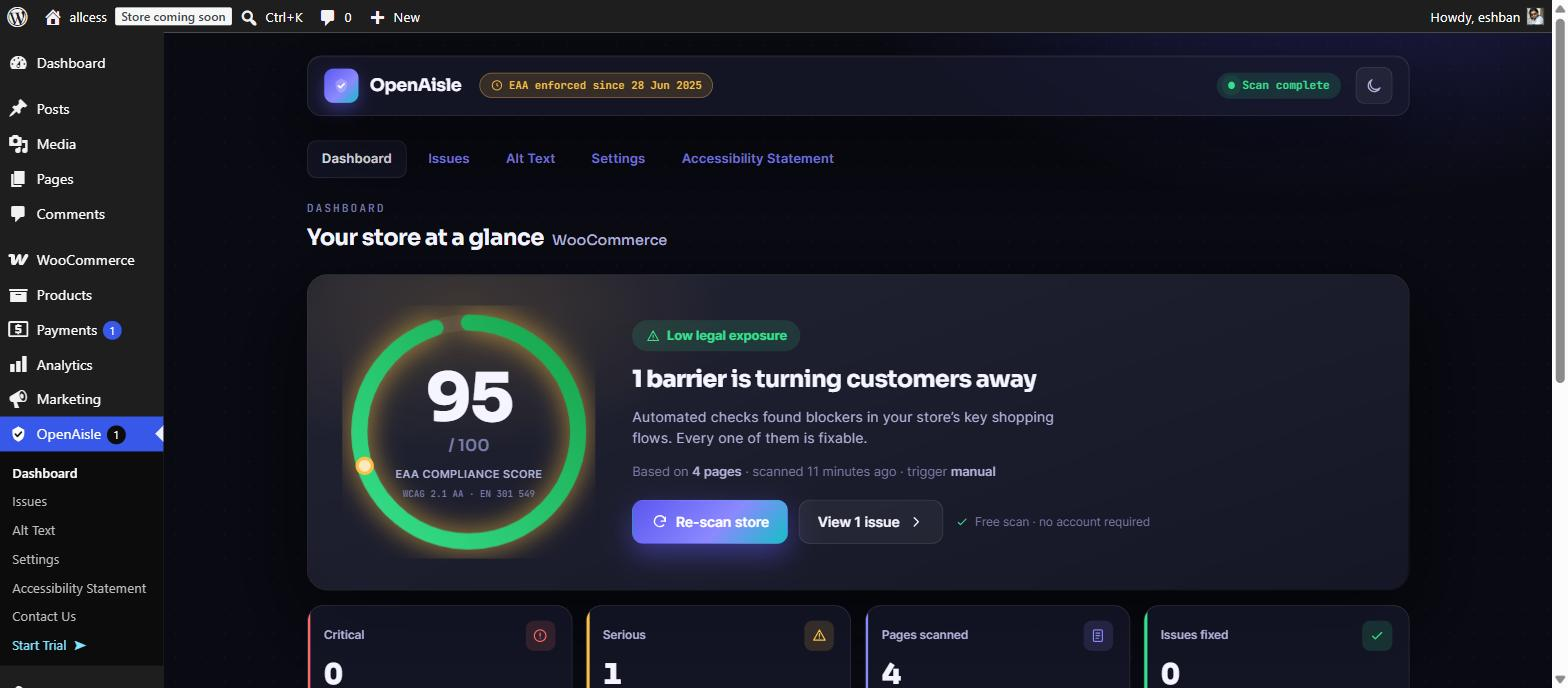
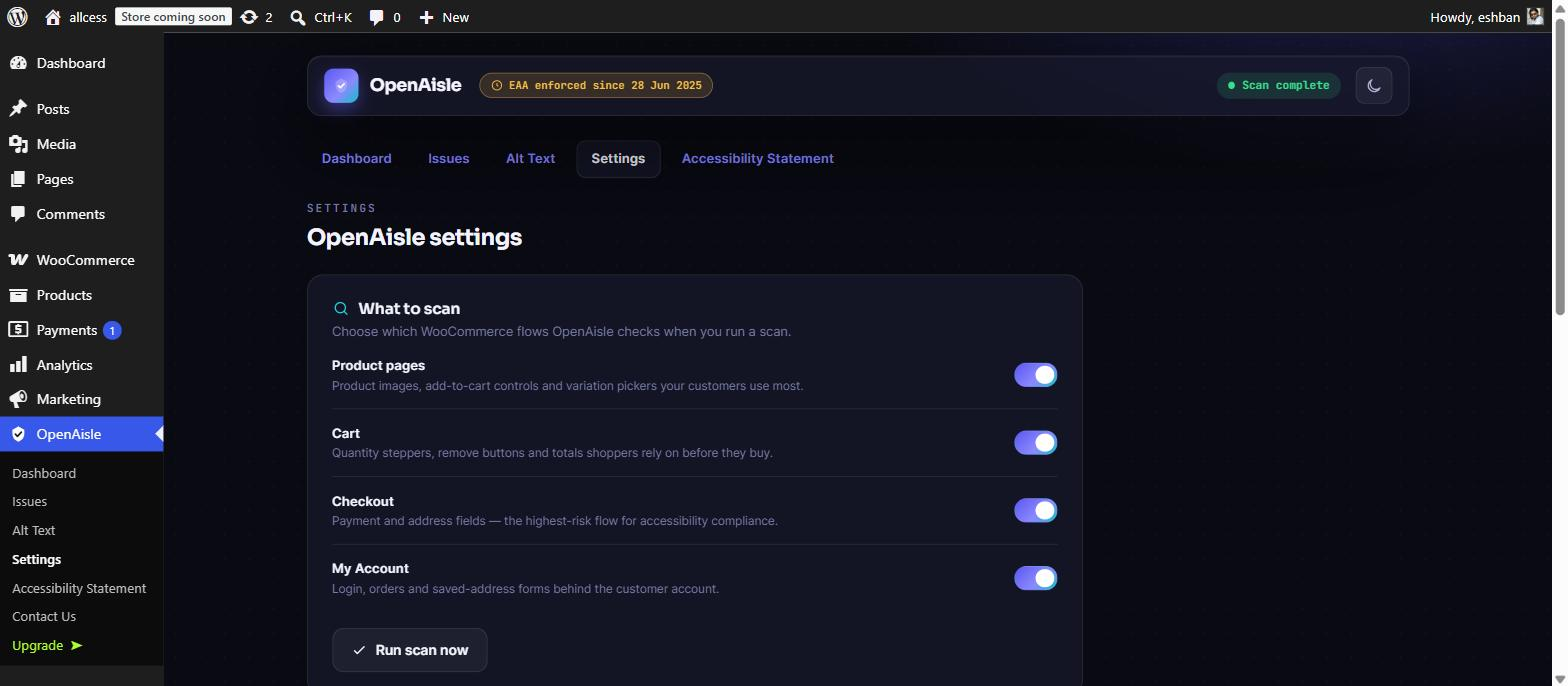
OpenAisle scans your WooCommerce store for accessibility barriers and turns the results into a clear compliance score, a prioritised issue list, and a timestamped audit trail — all on your own server.
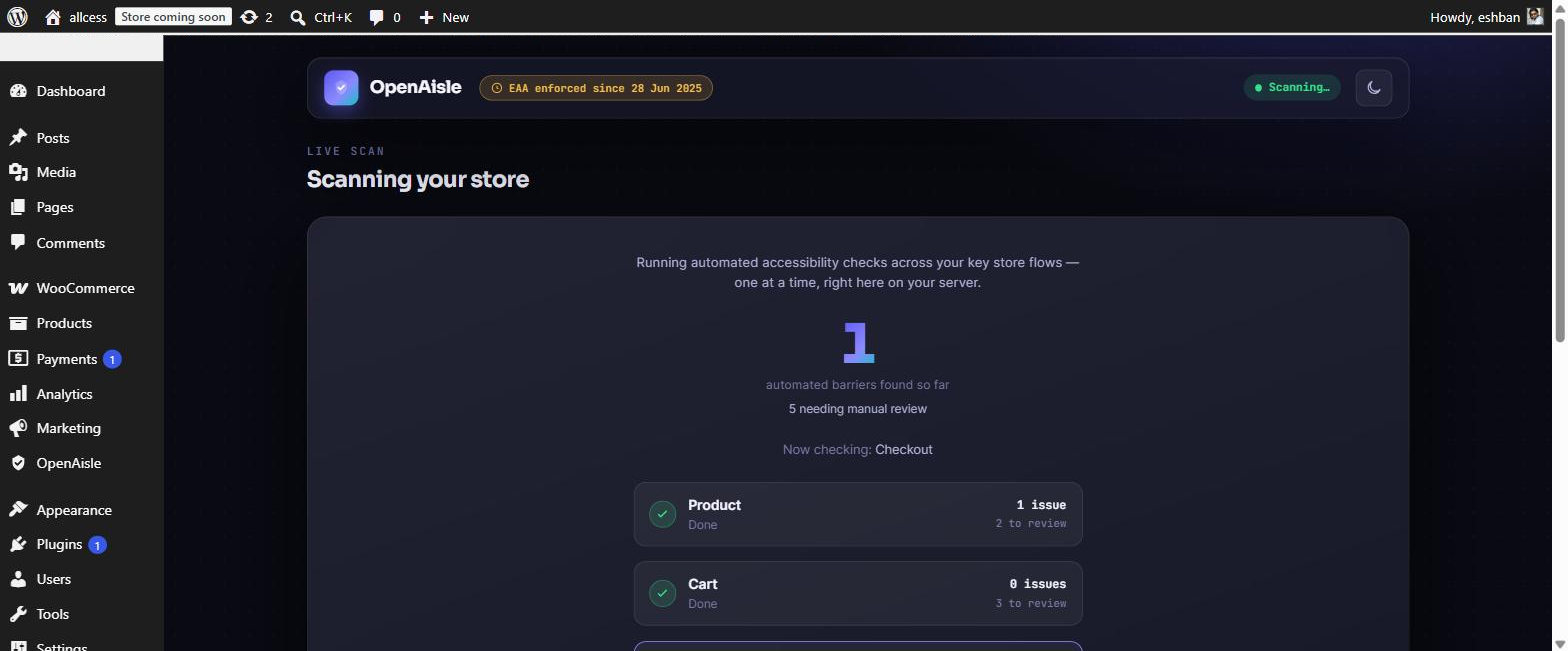
Scanning runs entirely on-site using a bundled copy of the open-source axe-core engine. Scans run in hidden, same-origin iframes of your own store pages; a small bundled scan agent runs axe-core in-page and reports the results back locally — no external content is loaded and nothing leaves your server.
Why accessibility matters for WooCommerce
The European Accessibility Act (EAA) applies from 28 June 2025 and requires many businesses selling to EU consumers — including e-commerce — to make their digital services accessible, using EN 301 549 (which references WCAG 2.1 level AA). In the United States, the ADA has long been the basis for a large volume of website accessibility complaints against online retailers. Beyond the law, roughly one in four adults lives with a disability, so an inaccessible checkout is lost revenue.
OpenAisle helps you find and understand these barriers. It does not provide legal advice, and no tool can promise you will avoid a complaint — but a documented, improving accessibility program is a reasonable, good-faith response.
What it scans
- Your key WooCommerce flow pages — shop, a sample product, cart, checkout, and my-account.
- Real, rendered pages (including content added by JavaScript), so it catches issues a source-only checker misses, such as colour contrast and ARIA problems.
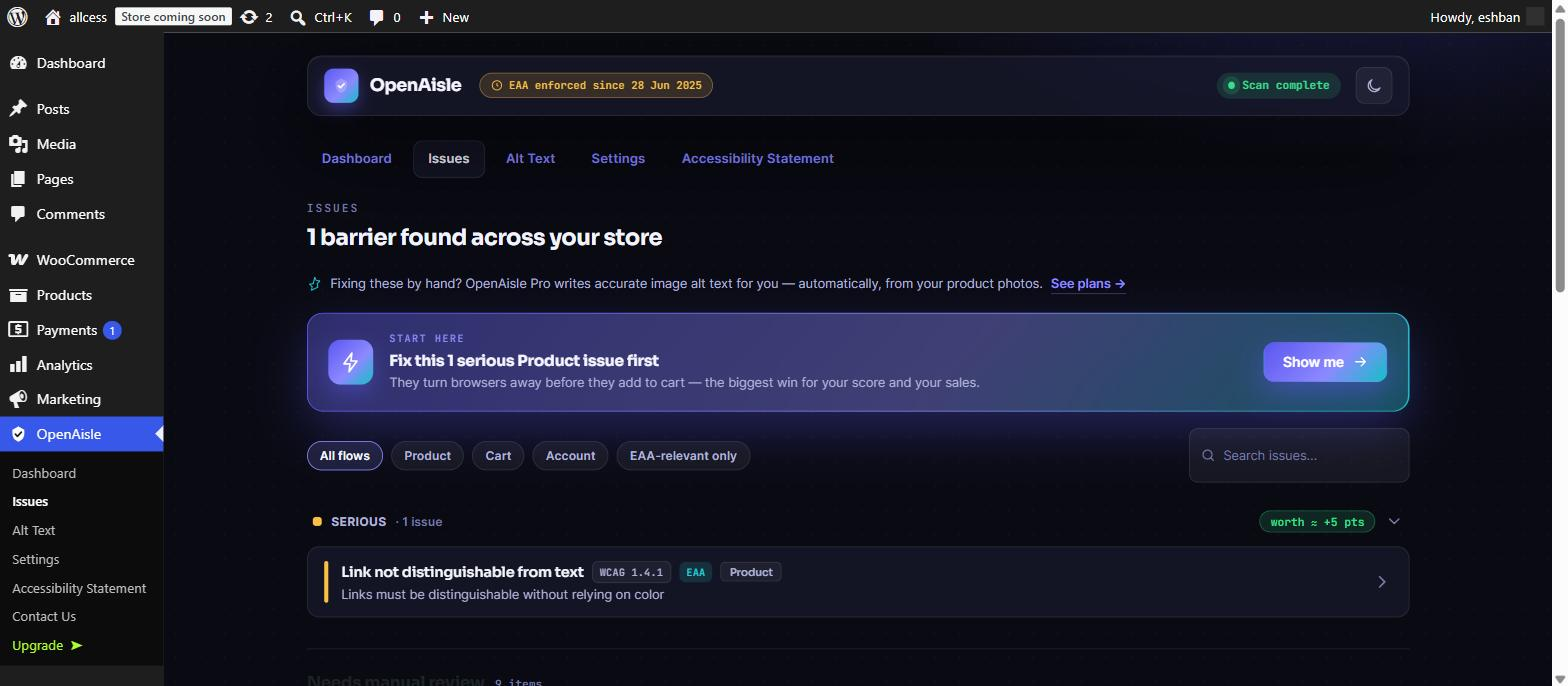
- Every finding is mapped to a plain-language explanation, a WCAG criterion, the WooCommerce flow it affects, and whether it is in EAA / EN 301 549 scope.
Free features
- On-server accessibility scan of your key store flows.
- Compliance score (0–100) and dashboard with a WooCommerce flow breakdown.
- Severity-grouped issue list with WCAG badges, an EAA-relevance filter, and free how-to-fix guidance.
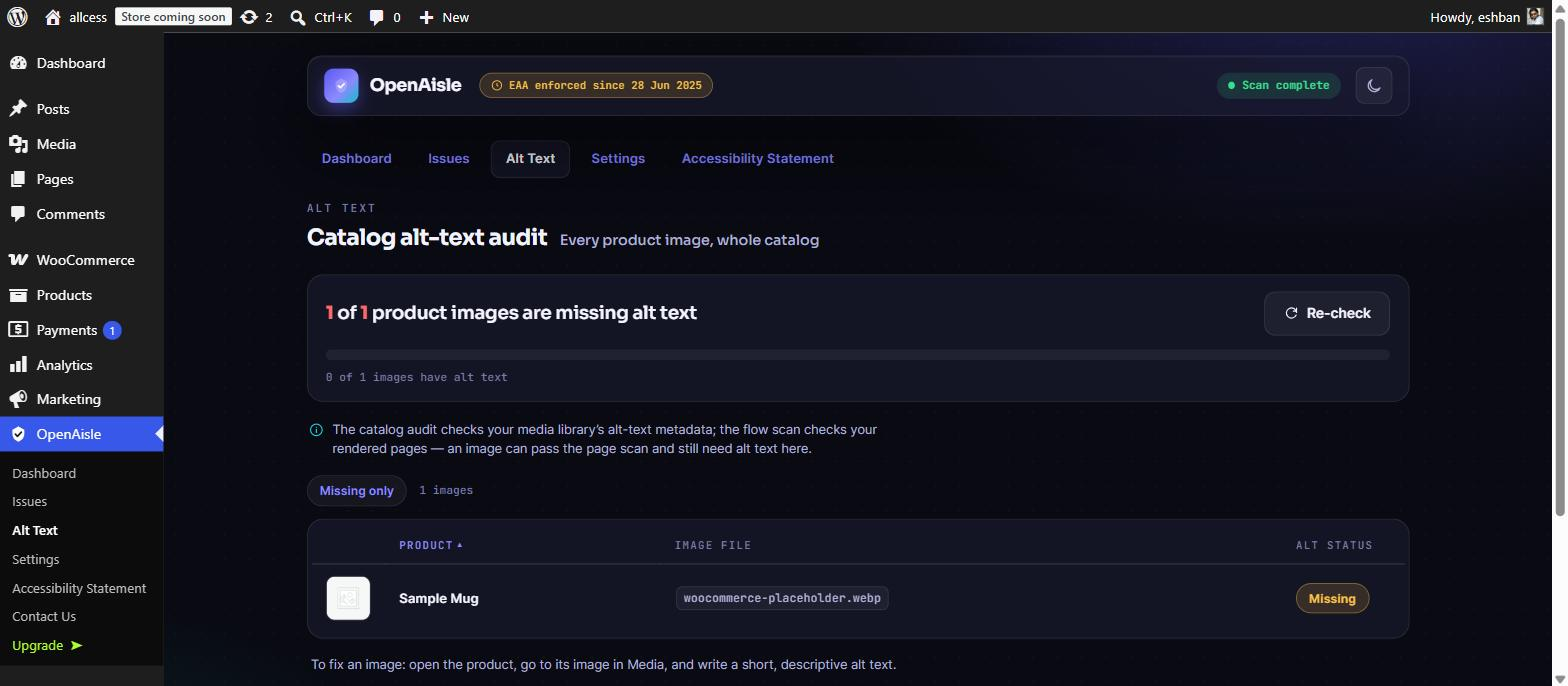
- Catalog alt-text audit — see, across your whole product catalog, how many images are missing alt text.
- A basic accessibility statement template.
- An audit trail of scans and changes you can keep as a record of your efforts.
Pro features
OpenAisle Pro (a separate paid upgrade) adds:
- AI-generated image alt text for your product photos, using your own OpenAI or Google Gemini API key (you bring the key; the free plugin never contacts these services).
- Scheduled accessibility checks with email re-scan reminders (a full WCAG scan runs in your browser; scheduled checks run on your server and tell you when it is time to re-scan).
- Downloadable PDF compliance reports.
- An auto-customised accessibility statement and deeper WooCommerce-flow checks.
External Services
This plugin connects to the following third-party services.
Freemius — used for license management, plugin updates, and (only if you opt in) anonymous usage diagnostics. Data is sent to Freemius only as part of these functions. See the Freemius Terms of Service (https://freemius.com/terms/) and Privacy Policy (https://freemius.com/privacy/).
The following services are used ONLY by the separate OpenAisle Pro upgrade, ONLY with an API key you supply yourself, and ONLY when you explicitly request AI-generated alt text. The free plugin never contacts them:
- OpenAI — if you choose it as your AI provider, the product image and details you ask OpenAisle to write alt text for are sent to OpenAI using your own API key. See the OpenAI Terms of Use (https://openai.com/policies/terms-of-use/) and Privacy Policy (https://openai.com/policies/privacy-policy/).
- Google Gemini — if you choose it as your AI provider, the product image and details you ask OpenAisle to write alt text for are sent to Google using your own API key. See the Google APIs Terms of Service (https://developers.google.com/terms) and the Google Privacy Policy (https://policies.google.com/privacy).
Obrázky
Inštalácia
- Upload the plugin to your
/wp-content/plugins/directory, or install it from your WordPress dashboard. - Activate the plugin through the „Plugins“ menu in WordPress.
- Open the „OpenAisle“ menu, follow the short setup, and run your first scan.
Requires WooCommerce 8.0 or newer and PHP 7.4 or newer.
Časté otázky
-
Does this guarantee I am accessible or legally compliant?
-
No. No automated tool can. Automated testing (including axe-core) reliably catches roughly one third to one half of WCAG issues; the rest require human review and judgement. OpenAisle reports its automated coverage honestly and flags items that need manual checking. It is a strong starting point, not a certificate of compliance, and it is not legal advice.
-
Does the free plugin send my data anywhere?
-
No. The free plugin performs all scanning on your own server and makes no outbound scan calls. The only external service the free plugin uses is Freemius, for license and update management, and only in line with its opt-in (see External Services below).
-
What does the compliance score mean?
-
It is a weighted summary of the issues found by severity, designed to give you one number to watch improve as you fix issues. It reflects automated coverage only.
-
Which pages get scanned?
-
The free version scans a representative set of your key WooCommerce flows (shop, a sample product, cart, checkout, my-account). Scanning more URLs and the full catalog is a Pro capability.
Recenzie
Pre tento plugin nie sú žiadne recenzie.
Prispievatelia a vývojári
“OpenAisle — Accessibility & EAA Compliance for WooCommerce” je softvér s otvoreným zdrojovým kódom. Do tohto pluginu prispeli nasledujúci ľudia.
Prispievatelia
Preložiť „OpenAisle — Accessibility & EAA Compliance for WooCommerce“ do vašho jazyka.
Máte záujem o vývoj?
Prehľadávajte zdrojový kód, preskúmajte SVN repozitár, alebo sa prihláste na odber vývojárskeho logu cez RSS.
Zoznam zmien
1.0.1
- New: gentle one-time review request after your second scan (dismissible, never nags).
- Fix: hardened REST/AJAX capability checks for page and media actions.
- Fix: bulk alt-text generation limit now enforced server-side at 50.
1.0.0
- Initial release.