

Popis
PawaVerify extends Verified Member for BuddyPress with a practical workflow for handling verification requests from the WordPress Users screen.
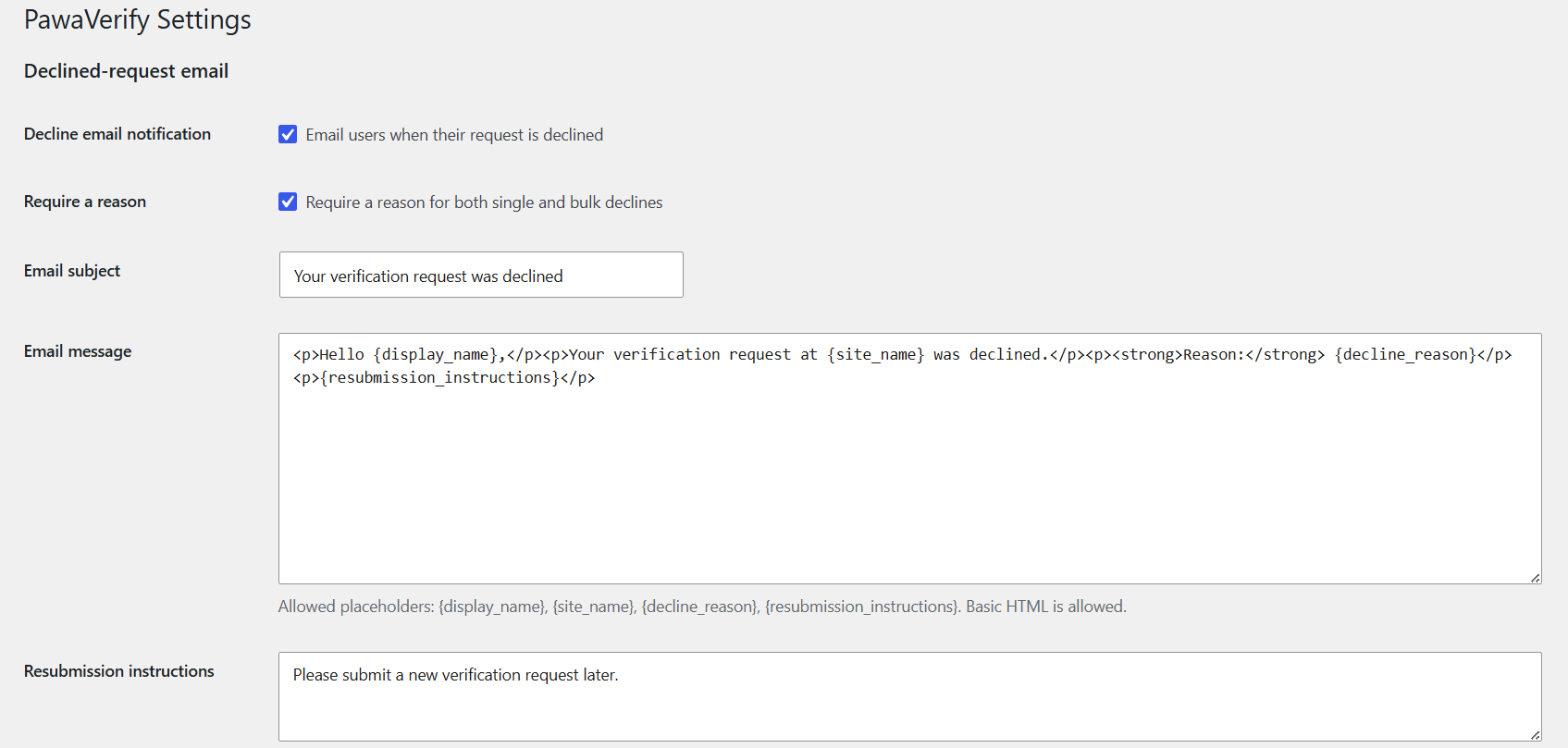
Administrators can decline pending requests individually or in bulk, record a reason, and notify users by email. When Verified Member approves a pending request, PawaVerify marks the request as approved and can send a separate approval email.
Features include:
- Single and bulk decline actions for pending verification requests.
- Optional or required decline reasons.
- Customizable HTML emails for declined and approved requests.
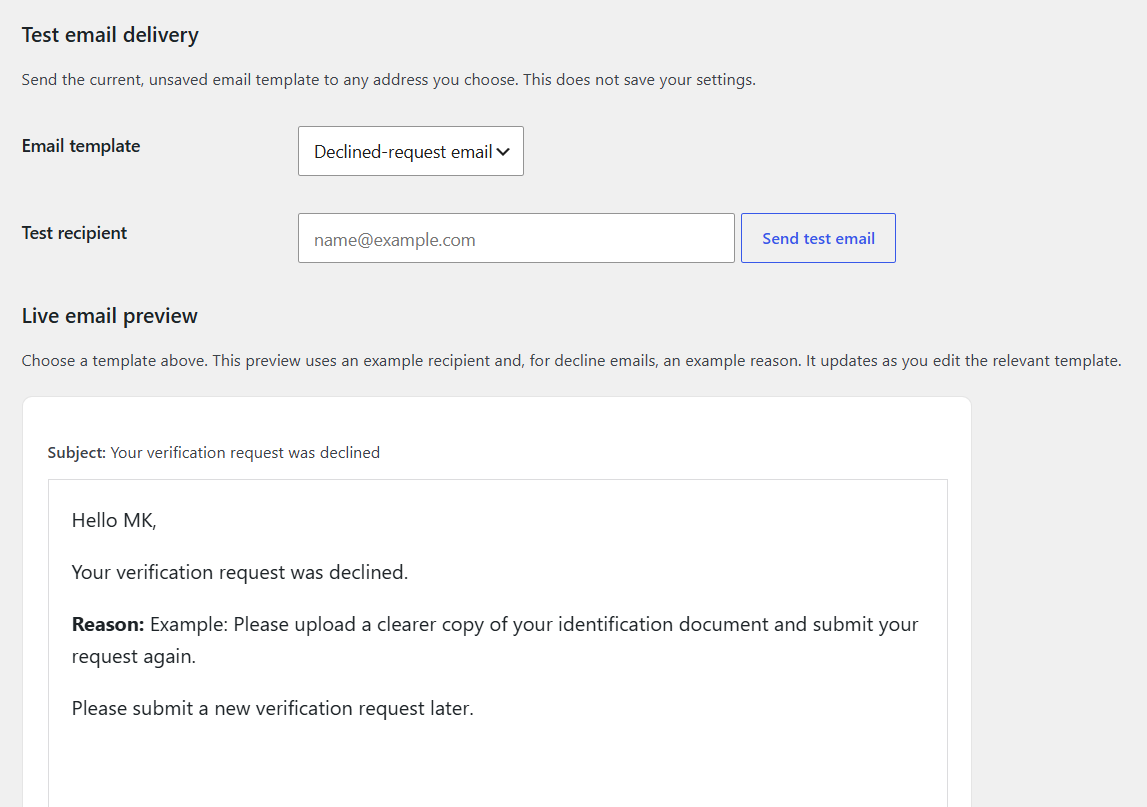
- Live email preview and test-email delivery tools.
- Request status and decision details in the Users table.
- Pending, Approved, and Declined request filters.
- Approval and decline audit metadata, including dates, administrators, and email results.
PawaVerify requires BuddyPress and Verified Member for BuddyPress to be installed and active.
Obrázky
Inštalácia
- Install and activate BuddyPress.
- Install and activate Verified Member for BuddyPress.
- Upload the
pawaverifyfolder to the/wp-content/plugins/directory, or install it through the WordPress Plugins screen. - Activate PawaVerify through the Plugins screen.
- Go to Users > PawaVerify to configure the approval and decline email templates.
- Configure SMTP or another reliable WordPress mail provider before relying on email delivery.
Časté otázky
-
Does PawaVerify replace Verified Member for BuddyPress?
-
No. Verified Member for BuddyPress remains responsible for verification. PawaVerify adds request-decision workflows, emails, and audit details.
-
When is an approval email sent?
-
When Verified Member reports that a user with a pending PawaVerify request has been verified. PawaVerify changes that request to Approved and sends the email once.
-
Can I edit the emails before sending them?
-
Yes. Users > PawaVerify includes separate HTML templates for declined and approved requests, a live preview, and a test-email tool.
-
Why did the email not arrive?
-
PawaVerify uses WordPress mail. Configure SMTP or another transactional email provider, then use the test-email tool and check the recipient’s spam folder.
Recenzie
Pre tento plugin nie sú žiadne recenzie.
Prispievatelia a vývojári
“PawaVerify” je softvér s otvoreným zdrojovým kódom. Do tohto pluginu prispeli nasledujúci ľudia.
Prispievatelia
Preložiť „PawaVerify“ do vašho jazyka.
Máte záujem o vývoj?
Prehľadávajte zdrojový kód, preskúmajte SVN repozitár, alebo sa prihláste na odber vývojárskeho logu cez RSS.
Zoznam zmien
1.3.4
- Fixed bulk decline processing on the WordPress Users screen.
- Preserved the originating users/filter screen after a single decline.
1.3.3
- Renamed plugin identifiers from the short
vmprefix to the plugin-specificpawaverifyprefix for WordPress.org compatibility. - Removed legacy compatibility fallbacks for a clean pre-release codebase.
1.3.1
- Enqueued the settings-page preview JavaScript and stylesheet for improved WordPress compatibility.
1.3.0
- Initial public release.
- Added approval and decline request emails, audit details, live previews, and test-email delivery.